Building a screen recorder that guides attention instead of just capturing screens
Why Showesome emphasizes focus, clarity, and presentation — not just pixels on a timeline — for tutorials and async communication.
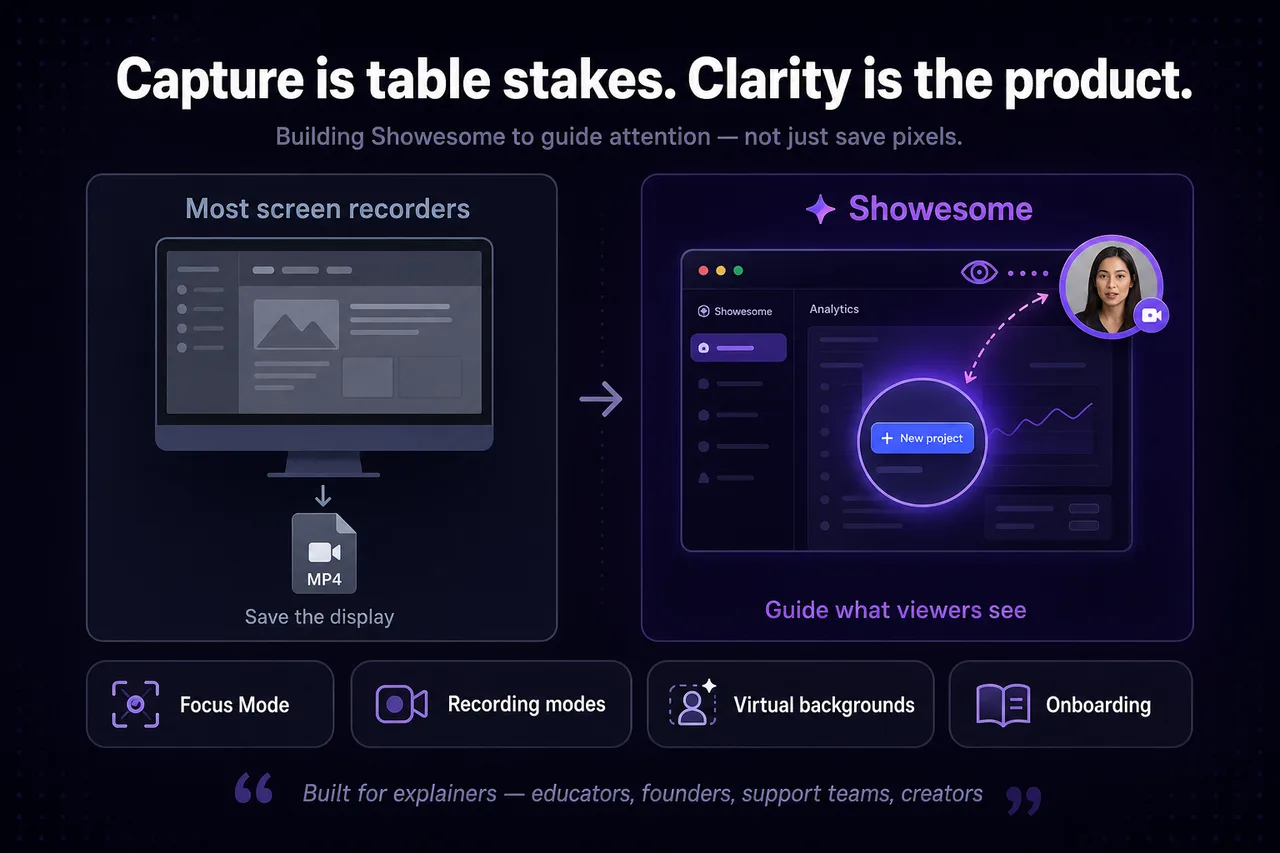
Most screen recorders answer one question well: how do I save what is on my display? That is table stakes. The harder problem is communication — helping a viewer understand what matters on a busy screen.
Capture is not the same as clarity
A perfect MP4 of a cluttered desktop still overwhelms. Tutorials fail when viewers cannot tell which button you meant. Async updates fail when the important detail is buried in minute six.
Attention is the product
Showesome treats guiding attention as a first-class feature:
- Focus Mode — spotlight elements, zoom text, area highlights
- Recording modes — screen, camera, or both for the right level of presence
- Virtual backgrounds — keep the speaker readable without a studio
- Interactive onboarding — so people actually find those tools
We are not trying to replace a full video editor. We are trying to reduce the need for one on everyday explainers.
Built for explainers, not just archivists
Educators, founders, support teams, and creators record to teach or align — not to hoard files. The workflow should reward clarity during capture: fewer retakes, shorter clips, less post work.
Chrome is where the work happens
Building in Chrome keeps recording close to tabs, docs, and apps people already use. That matters for demos, bug reports, and lightweight async video.
What we are still learning
Discoverability, pacing defaults, and when to nudge Focus Mode remain open questions. Why discoverability matters and onboarding lessons are part of that story.
Try the difference
Record the same walkthrough twice: once plain, once with focus and zoom while you present. The second version is usually what we are optimizing for.
What makes Showesome different from a basic screen recorder?
In-capture guidance — Focus Mode, modes, and virtual backgrounds — not just pixel capture. The goal is clearer tutorials with less editing.
What is Focus Mode and why does it matter for tutorials?
Live click-to-zoom and spotlight on UI while you record. Viewers follow what you click without post-production arrows.
Is Showesome trying to replace video editing software?
No. Showesome reduces the need for basic zoom-and-highlight edits; polished courses with heavy motion graphics still belong in a dedicated editor.
Related reading
- Auto zoom for screen recordings in Chrome — click-to-zoom walkthrough for Focus Mode.
- Five Focus Mode tips for better tutorials
- How to record better software tutorials without editing
Was this guide helpful?
One vote per browser. No account required.
Be the first to share feedback.
Comments
Join the discussion — comments are moderated to keep things helpful. Be respectful and constructive.
Preparing sign-in…