Which screen recorder is right for you? An honest look at popular options
No single tool wins every use case. Compare cloud async tools, desktop studios, and Chrome extensions — including when Showesome is a good fit and when another recorder may serve you better.
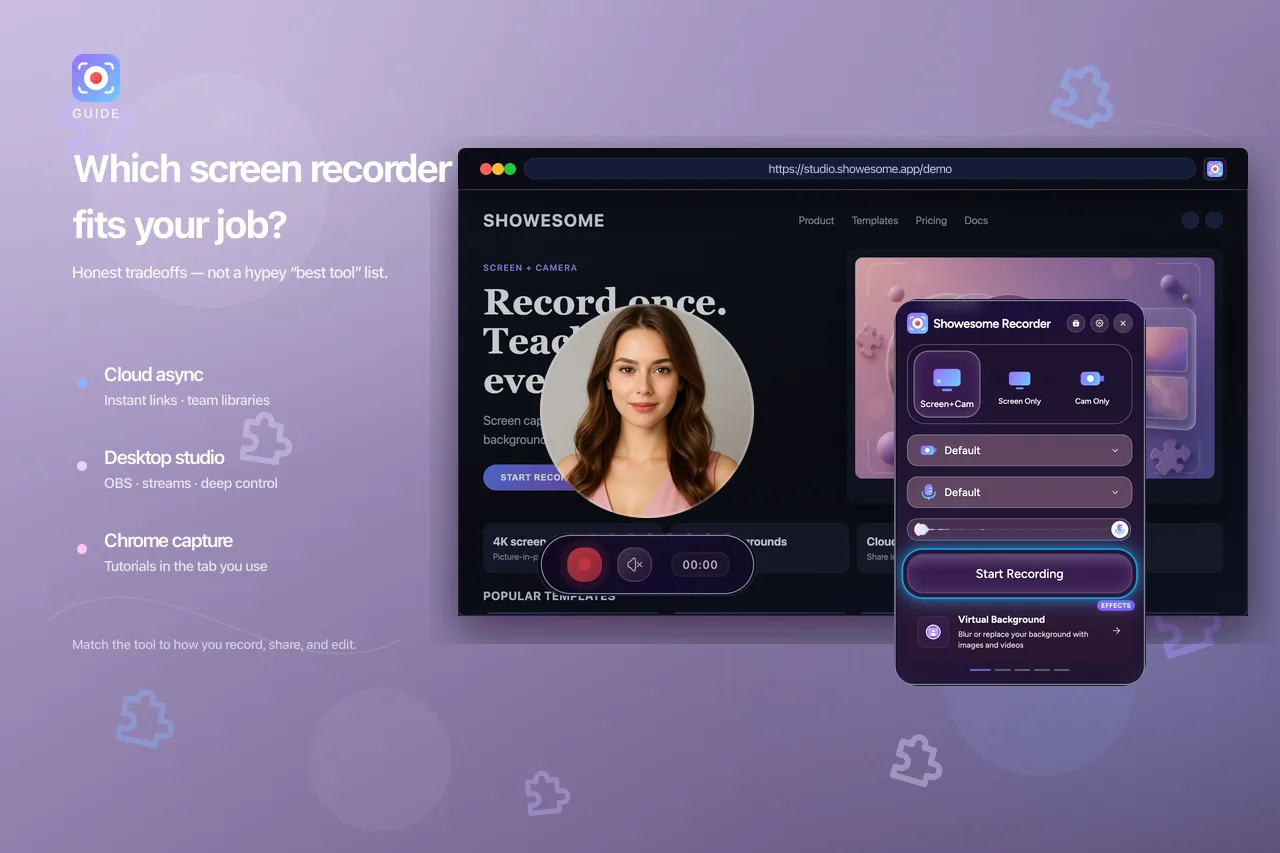
People ask which screen recorder is “the best” as if one app should win every scenario. In practice, the useful question is narrower: what are you recording, for whom, and what happens after you stop?
This guide compares well-known options in plain language. It is written by the Showesome team, but the goal is a fair recommendation, not a sales pitch. Features, limits, and pricing change — check each product’s official site before you decide.
Want a ranked list of free Chrome extensions? See best free Chrome screen recorders (2026). Ready to install and record? How to record your screen on Chrome (2026).
Start with the job, not the brand
Before you compare logos, note what matters most for your next ten recordings:
- Where you work — mostly in Chrome tabs, a desktop app, or both?
- Who watches — teammates async, students, customers, or a live audience?
- How much editing — do you need a shareable clip quickly, or a produced video?
- Camera and audio — face on screen, mic only, system/tab audio, or all of the above?
- Where files should live — your computer, a team library in the cloud, or a streaming platform?
Your answers matter more than any “top ten” list.
Three common families of tools
Most recorders fall into three broad groups. They overlap a little, but the workflow is different.
| Family | Typical examples | Strengths | Common tradeoffs |
|---|---|---|---|
| Cloud async | Loom and similar | Fast share links, team libraries, comments on videos | Less about in-browser “guide attention while you record”; subscription for teams |
| Desktop production | OBS Studio, Camtasia, Snagit | Deep control, scenes, editing, streaming | Heavier setup; not always “open this tab and teach” |
| Browser / Chrome capture | Screencastify, Nimbus Capture, Screenity, Showesome | Recording next to web apps; low friction install | Usually tied to the browser; advanced production may still need an editor |
None of these families is “wrong.” They optimize for different outcomes.
Free tiers: recording length, watermarks, and storage
Limits matter when you record often or need longer walkthroughs. Plans change — use each vendor’s pricing and help pages as the source of truth. As of mid-2026, these are the differences worth knowing:
| Tool (free tier) | Recording time | Watermark | Storage / library |
|---|---|---|---|
| Showesome | No fixed duration cap in the extension; practical limits are your device and browser | No watermark on exports | Local in Chrome by default; optional backup to Google Drive, Dropbox, or YouTube when you connect accounts (guide) |
| Loom Starter | 5 minutes per video (Atlassian/Loom help) | Check Loom pricing for current plan details | 25 videos in your Loom library on Starter (same doc) |
| OBS | No time cap from OBS itself | No watermark from OBS | You manage files on disk |
| Screenity | Depends on version/settings; verify on screenity.io | Verify current free offering | Local/export-oriented |
| Screencastify / Nimbus | Plan-specific caps | Plan-specific | Often cloud or hybrid — see their pricing pages |
Showesome is free to use with no watermark and no artificial recording-duration cap the way Loom’s Starter plan enforces five minutes. That does not mean “no limits anywhere” — very long sessions still depend on your machine, Chrome, and disk space. Loom’s strength on free is instant hosted sharing within those caps. Showesome’s default is local-first, but you can optionally sync copies to Drive or Dropbox or upload to your YouTube channel when that fits your workflow — nothing uploads until you connect a service and choose to send a clip.
Cloud async tools (e.g. Loom)
Good fit when: you send frequent updates to a distributed team, want a link immediately, and value a shared workspace where people comment on videos.
What they do well: record → upload → share. Viewers do not need your file. Team habits (“record a Loom”) and notifications around async video are a real advantage.
What to weigh: you are buying into a hosted workflow. On the free Starter plan, Loom currently caps each recording at five minutes and your library at 25 videos — fine for short updates, awkward for a full product tour in one clip (Loom recording limits). Paid plans remove those caps. If your clips are mostly internal tutorials inside web apps, you may still do a fair amount of “point at the UI” narration unless you combine cloud hosting with strong in-capture focus tools elsewhere.
Showesome in this picture: Showesome is not trying to replace a full team video hub with comments and viewer analytics. Recordings stay local by default; you export or share when you are ready. If you still want cloud without switching tools, you can optionally connect Google Drive, Dropbox, or YouTube and upload selected clips from preview or the library (preview & cloud guide). If your must-have is a company-wide async library on every record, a cloud-first tool may stay primary — and that is reasonable.
Desktop studios and streamers (e.g. OBS)
Good fit when: you need multi-source layouts, live streaming, podcast-style audio routing, or frame-accurate control over what is captured.
What they do well: scenes, overlays, hardware mixers, streaming to YouTube or Twitch, and a large ecosystem of plugins. OBS in particular is capable and free — a strong choice if you enjoy tuning a setup once and reusing it.
What to weigh: the learning curve and operating outside the browser tab you are demoing. A five-minute product walkthrough can take longer in setup time than in recording if scenes are not already prepared.
Showesome in this picture: Showesome is closer to “explain this web UI clearly” than “produce a broadcast.” If you already live in OBS for streams, keeping OBS for live and using a lighter Chrome tool for quick tutorials is a common split. Full comparison: OBS vs Chrome screen recorder.
Chrome and browser extensions
This is the most crowded space for people who live in Google Chrome: education, SaaS demos, support, and creator walkthroughs.
Screencastify
A long-standing name in classroom and Chrome-first recording. Strong when your organization already standardized on it for assignments or district licenses. Compare current plans if you need team admin, storage caps, or export formats — those details shift over time. Individual teachers comparing free tiers: Screencastify alternative for teachers.
Nimbus Capture
Part of a broader capture and annotation suite (screenshots, clips, workspaces). Helpful when you want recording beside other capture tools under one vendor. Worth checking how screen video, editing, and sharing fit your flow versus a dedicated async platform.
Screenity
A popular open-source extension with a straightforward record-and-export path. A solid option if you want a capable free recorder and are comfortable managing files yourself. Feature depth and UX differ from paid suites — try a real workflow (mic + tab + camera) before you commit.
Showesome
Showesome is built for people who record to teach or explain, especially in Chrome:
- Free, with no watermark on exports and no five-minute-style recording cap like Loom Starter
- Screen + Camera and other recording modes in one extension
- Focus Mode to spotlight UI and zoom while you record — less reliance on post-production arrows
- Virtual backgrounds and tab audio when the walkthrough needs them
- A local recordings library and preview/export flow without requiring a hosted team library
- Optional cloud backup to Google Drive or Dropbox, and upload to your YouTube channel, when you connect accounts — never required (preview & cloud guide)
We care more about clarity during capture than about replacing a full video editor or a company-wide video CMS. That is intentional. If your main need is hosted team links on every short clip inside Loom’s limits, Loom may still be the better primary tool — many people use a Chrome recorder for long tutorials (and optional YouTube uploads) while keeping a cloud tool for quick internal drops.
A simple “if this, then that” guide
Use this as a starting point, not a verdict:
| Your priority | Often worth exploring first |
|---|---|
| Short async clips with instant hosted links (within free caps) | Cloud async (e.g. Loom Starter — 5 min/video) |
| Longer free recordings without a watermark or duration cap | Showesome, OBS, or verify Screenity’s current terms |
| Local-first recording with optional Drive/Dropbox backup or YouTube upload | Showesome (cloud guide) |
| Team async links and comments on hosted videos (paid / unlimited) | Cloud async (Loom Business and similar) |
| Live stream or multi-scene production | OBS or a desktop studio |
| Fast Chrome capture with minimal setup | Lightweight browser extensions (e.g. Screenity) |
| District / education bundles already in place | Screencastify or your org’s standard |
| Screenshot + clip suite from one vendor | Nimbus Capture |
| Tutorial-style walkthroughs in Chrome with focus while recording | Showesome (compare side by side with what you use today) |
| Heavy editing, chapters, motion graphics | Dedicated editor (Camtasia, DaVinci Resolve, etc.) after capture |
If two tools cover your needs, trial the same three-minute demo in each: same tab, same script, same mic. The winner is usually obvious from viewer clarity and your own stress level — not from feature bullet counts.
When we would suggest something other than Showesome
We would rather you pick the right tool than stretch Showesome into the wrong job:
- You need a default team video inbox with centralized permissions and viewer analytics → a cloud async platform may fit better.
- You stream live or run complex multi-input scenes → OBS or similar.
- You record mostly outside the browser (native apps, games, OS-level workflows) → desktop capture may be simpler.
- You want one-click record and will never use focus, camera bubble, or modes → a minimal extension can be enough.
- Your deliverable is a polished course with heavy edits → pair any recorder with an editor you already know.
When Showesome tends to earn a place in the stack
Showesome shines when:
- You explain software, docs, or web apps in Chrome
- Viewers get lost on busy UIs and you want guided attention while recording
- You want screen + webcam without a separate production session
- You prefer local recordings and export when ready, rather than auto-upload everything — with the option to push copies to Drive, Dropbox, or YouTube when you want a cloud or public destination
It is weaker when your organization’s workflow is already built entirely around another vendor’s hosted library — in that case, many teams use Showesome for customer-facing tutorials and keep their async hub for internal updates, or the reverse. Both patterns are fine.
Is Showesome a replacement for Loom or OBS?
It depends on your workflow. Showesome replaces Loom when you need longer free recordings, local MP4, and in-capture focus — not when you need a hosted team video inbox with comments on every clip. It complements OBS when you want fast Chrome tutorials without scene setup.
Which free Chrome screen recorder has no watermark and no time limit?
Showesome — no watermark on exports and no Loom-style five-minute cap on the free tier. See the comparison table in best free Chrome screen recorders (2026).
Can Showesome back up recordings to Google Drive, Dropbox, or YouTube?
Yes — optionally, when you connect accounts. Nothing uploads until you choose to send a clip from preview or the library. See preview and cloud guide.
Quick checklist before you switch tools
- Record one real task (not a test page) with your current tool.
- List what frustrated you: setup time, viewer confusion, audio, sharing, or editing.
- Try one alternative from a different family above, not only a lookalike extension.
- Ask a colleague which version they understood faster.
- Decide whether you need a new primary tool or a specialist beside what you already use.
Related reading
- OBS vs Chrome screen recorder — streaming vs web tutorials; when to use both.
- Record your screen on a Chromebook — built-in capture vs Showesome on managed school devices.
- 4K screen recording in Chrome — native resolution vs quality presets.
- Best free Chrome screen recorders (2026) — no watermark, no time limit comparison table
- Free Loom alternative for Chrome — longer recordings without Loom Starter’s five-minute cap
- Building a screen recorder that guides attention — why we optimize for clarity, not just pixels
- How to make async video updates your team actually watches — pacing and focus for internal clips
- How to record better software tutorials without editing
- Recording modes: screen, camera, or both
- Preview, export, and optional cloud backup — Drive, Dropbox, and YouTube upload
- Enable the extension and pin it in Chrome
- Support — troubleshooting and FAQs
Products named here are trademarks of their respective owners. This article reflects our understanding in mid-2026; verify features and pricing on official sites.
Was this guide helpful?
One vote per browser. No account required.
Be the first to share feedback.
Comments
Join the discussion — comments are moderated to keep things helpful. Be respectful and constructive.
Preparing sign-in…